
Introduction To CSS
CSS stands for Cascading Style Sheets. It is a styling language used to control the presentation, layout, colors, fonts, spacing, animation, and responsiveness of web pages written in HTML or XML. CSS helps developers separate content from design and build clean, attractive, and user-friendly websites.
What is CSS?
- CSS means Cascading Style Sheets: It controls how HTML elements appear on the screen.
- Design control: CSS is used for colors, fonts, margins, padding, borders, backgrounds, layouts, and animations.
- Responsive design: CSS media queries help websites adapt to mobile, tablet, laptop, and desktop screens.
- Cleaner websites: CSS separates website structure from styling, making projects easier to maintain.
Why CSS?
Beautiful Design
CSS makes plain HTML pages visually attractive using colors, fonts, shadows, spacing, and layouts.
Separation of Concerns
HTML manages content structure, while CSS manages the look and feel of that content.
Efficiency
One CSS file can style many pages, reducing repeated code and making updates faster.
Responsive Layout
CSS helps web pages adjust properly across mobile, tablet, laptop, and desktop screens.
Accessibility
Good CSS improves readability, contrast, spacing, and overall user experience for all users.
BROWSER SUPPORT
CSS is supported by all modern browsers, ensuring consistent styling and user experience across different platforms and devices.
Getting Started
- Install an editor: You can use Sublime Text, Visual Studio Code, Notepad++, or any code editor.
- Create an HTML file: Save your page with
.htmlextension. - Write CSS: CSS can be added inside the
<style>tag or in a separatestyle.cssfile. - Open in browser: Double-click the HTML file or open it in Chrome, Edge, Firefox, or any browser.
Writing Your First CSS Document
<!DOCTYPE html>
<html>
<head>
    <title>Introduction to CSS</title>

    <style>
        body {
            font-family: Arial, sans-serif;
            line-height: 1.6;
            background-color: #AECEE7;
            color: #333;
            padding: 20px;
        }

        h1 {
            text-align: center;
            margin-bottom: 20px;
        }

        p {
            font-size: 18px;
            margin-bottom: 10px;
            text-align: center;
        }
    </style>
</head>

<body>
    <h1>Introduction to CSS</h1>
    <p>Welcome to PBA Institute</p>
</body>
</html>
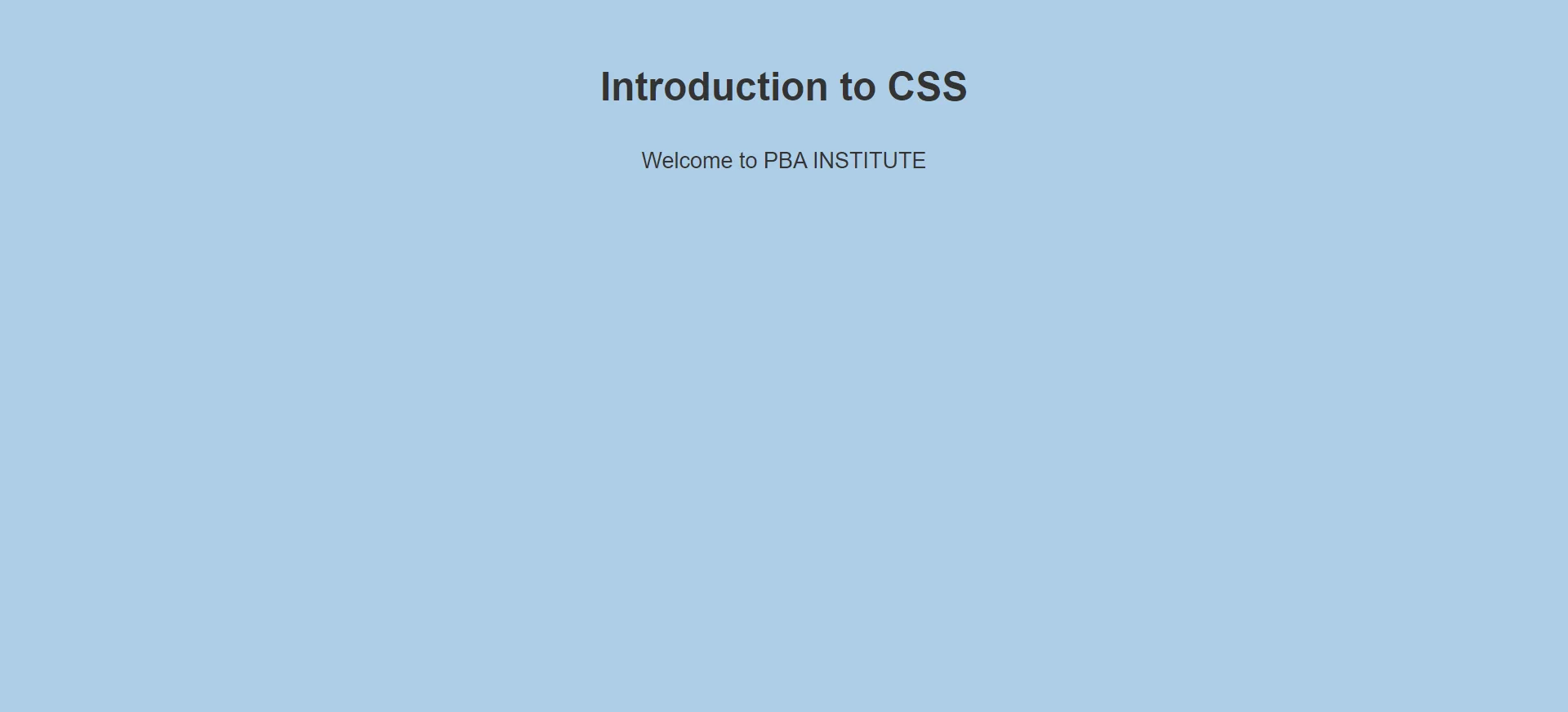
Code Explanation
bodyselector: Applies styles to the whole page.font-family: Sets the text font to Arial or a similar sans-serif font.line-height: Controls spacing between text lines.background-color: Changes the page background color.color: Controls text color.padding: Adds inner spacing around the page content.text-align: Aligns heading and paragraph text in the center.
CSS Syntax
selector {
    property: value;
}
| Part | Meaning | Example |
|---|---|---|
| Selector | Targets the HTML element | p, h1, .box |
| Property | The style you want to change | color, font-size |
| Value | The setting assigned to the property | red, 18px |
Types of CSS
Inline CSS
Written directly inside an HTML tag using the style attribute.
Internal CSS
Written inside the <style> tag in the HTML document head.
External CSS
Written in a separate .css file and linked to the HTML page.
Common CSS Properties
Next Steps
- Practice daily: Try changing colors, fonts, spacing, borders, and backgrounds.
- Learn selectors: Understand element, class, ID, group, and universal selectors.
- Build mini projects: Create profile cards, buttons, navbars, login pages, and landing sections.
- Explore responsive design: Learn media queries, flexbox, and grid layout.
Conclusion
CSS is the language that gives style, beauty, and responsiveness to web pages. HTML creates the structure, but CSS makes the page attractive and professional. Start with simple properties, practice regularly, and then move toward layouts, animations, and responsive design.