HTML Formatting Tags
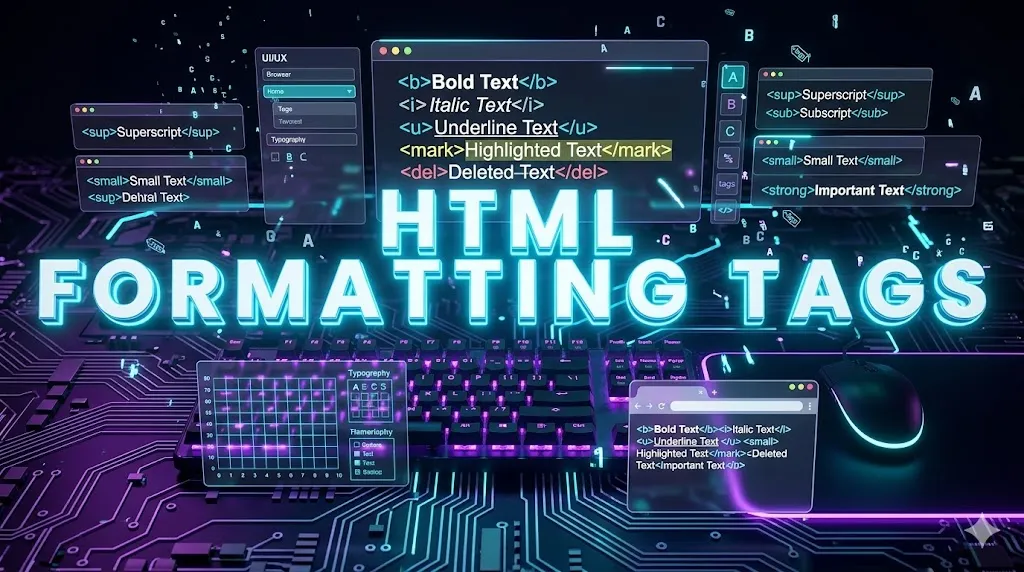
HTML Formatting Tags are used to style or emphasize specific portions of text. Tags like <b>, <i>, <u>, <strong>, <em> and <mark> help make text visually distinct and semantically meaningful.
What are Formatting Tags?
- Formatting tags add visual emphasis to text like bold, italic, underline.
- Some tags are presentational (b, i, u) — purely visual.
- Other tags are semantic (strong, em) — provide meaning.
- Modern HTML prefers semantic tags for accessibility and SEO.
Why Use Formatting Tags?
Emphasis
Highlight important words and phrases inside paragraphs.
Readability
Bold and italic text make important text stand out.
Semantic Meaning
Tags like <strong> tell browsers the text is important.
SEO
Semantic emphasis tags help search engines understand context.
Accessibility
Screen readers announce emphasized text differently.
Rich Typography
Combine multiple formatting tags for richer typography.
Common Formatting Tags
<b>– Bold text (presentational)<strong>– Strong importance (semantic bold)<i>– Italic text (presentational)<em>– Emphasized text (semantic italic)<u>– Underlined text<mark>– Highlighted text<small>– Smaller text<sub>/<sup>– Subscript / Superscript<del>– Deleted (strikethrough) text<ins>– Inserted (underlined) text
Formatting Tags Example
<!DOCTYPE html>
<html>
<body>

  <p><b>Bold</b> and <strong>Strong</strong></p>
  <p><i>Italic</i> and <em>Emphasized</em></p>
  <p><u>Underlined Text</u></p>
  <p>Highlighted: <mark>PBA Institute</mark></p>
  <p>H<sub>2</sub>O and X<sup>2</sup></p>
  <p><del>Old Price</del> <ins>New Price</ins></p>

</body>
</html>
Code Explanation
| HTML Part | Meaning |
|---|---|
| <b> / <strong> | Make text bold; strong adds semantic importance. |
| <i> / <em> | Make text italic; em adds emphasis meaning. |
| <u> | Underlines text. |
| <mark> | Highlights text in yellow by default. |
| <sub> / <sup> | Subscript and superscript for chemistry and math. |
| <del> / <ins> | Shows deleted and newly inserted content. |
Formatting Tag Categories
Use Cases
- Articles: Highlight keywords with
<strong>. - Math/Science: Use
<sub>and<sup>for formulas. - E-commerce: Show old vs new prices using
<del>and<ins>. - Quotes: Use
<em>for italic emphasis.
Practice Questions
- Write a sentence using both
<b>and<strong>. - Use
<sub>and<sup>to write H2SO4 and a2+b2. - Highlight your name using
<mark>. - Show a discount using
<del>for old price.
Frequently Asked Questions
What is the difference between b and strong?
<b> just makes text bold visually, while <strong> carries semantic meaning of importance.
What is the difference between i and em?
<i> only italicizes text; <em> emphasizes meaning.
What does mark tag do?
It highlights text, by default with yellow background.
Should I prefer semantic tags?
Yes. Tags like strong and em improve accessibility and SEO.
Conclusion
HTML formatting tags help you add emphasis, meaning and structure to text. Choose semantic tags like strong and em for better SEO and accessibility while using visual tags only when necessary.
Additional Tips
- Prefer semantic: Use strong/em over b/i where possible.
- Don't overuse: Too much formatting reduces emphasis.
- Combine wisely: Mix tags for richer text styling.
- Style with CSS: Customize colors and weights via CSS.